Start with one product view
Use a sharp, complete image. A generated angle can be carried here directly from the angle tool.
SKU Scenes / Beta
Bring in a generated angle or upload a product image, then choose one fixed scene. SKU Scenes creates one reviewable image for a PDP, social ad or hero banner—without an open-ended prompt box.
Use a clear angle with the full product visible.
Classic example
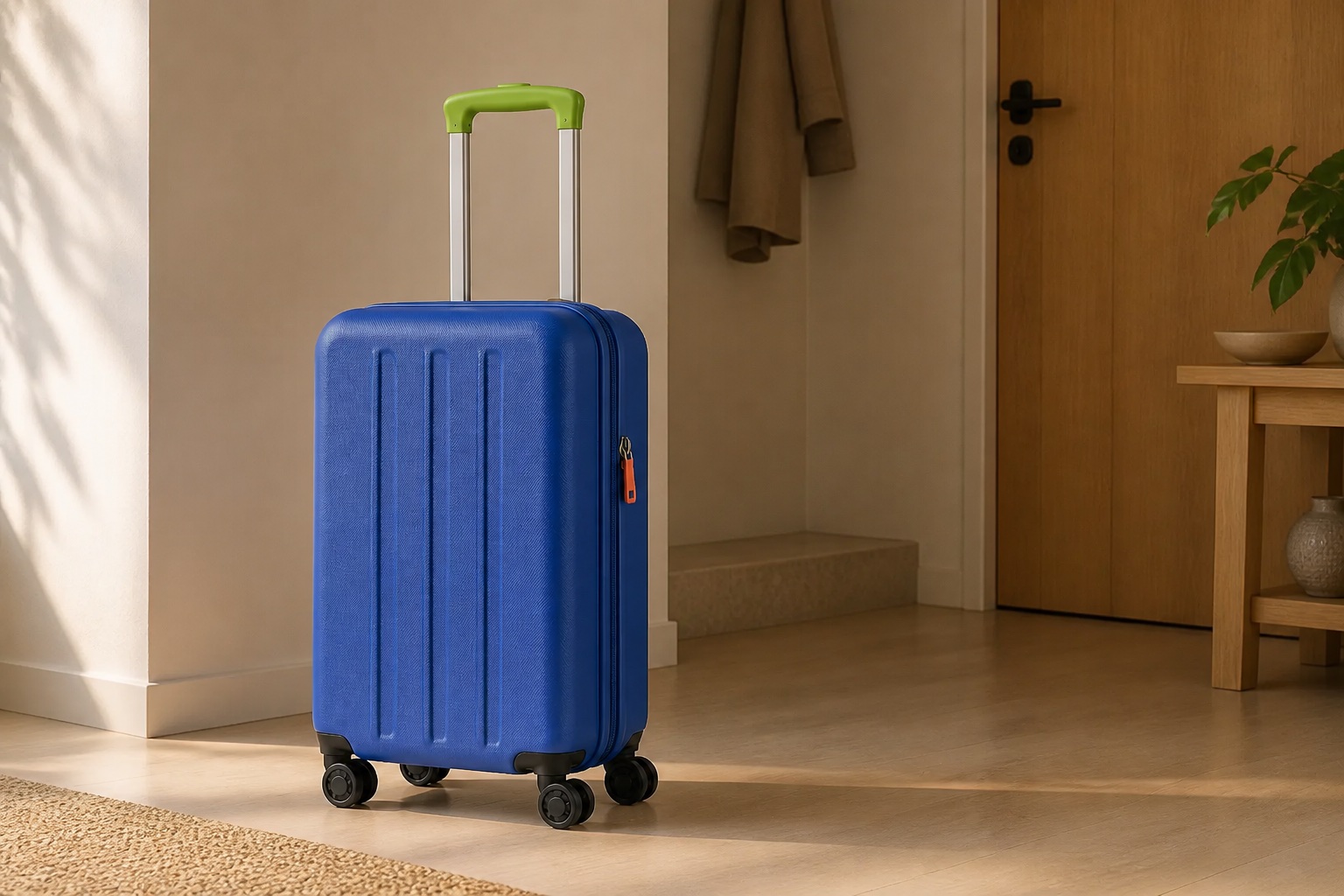
A scene pass can amplify errors in an AI-generated angle. Compare both the product and its physical placement before publishing.
A deliberately small first version
Use a sharp, complete image. A generated angle can be carried here directly from the angle tool.
Select PDP Lifestyle, Social Ad or Hero Banner, then one of two ready-made compositions.
Compare the result with the source for shape, color, branding, text, scale and believable contact shadows.
Beta boundary
The fixed templates instruct the model not to add readable marketing text, people or extra product units, and this version exposes no custom prompt. Review and discard any result that breaks those constraints. AI can still alter product details, so the output is a draft—not proof of the real setting or product.